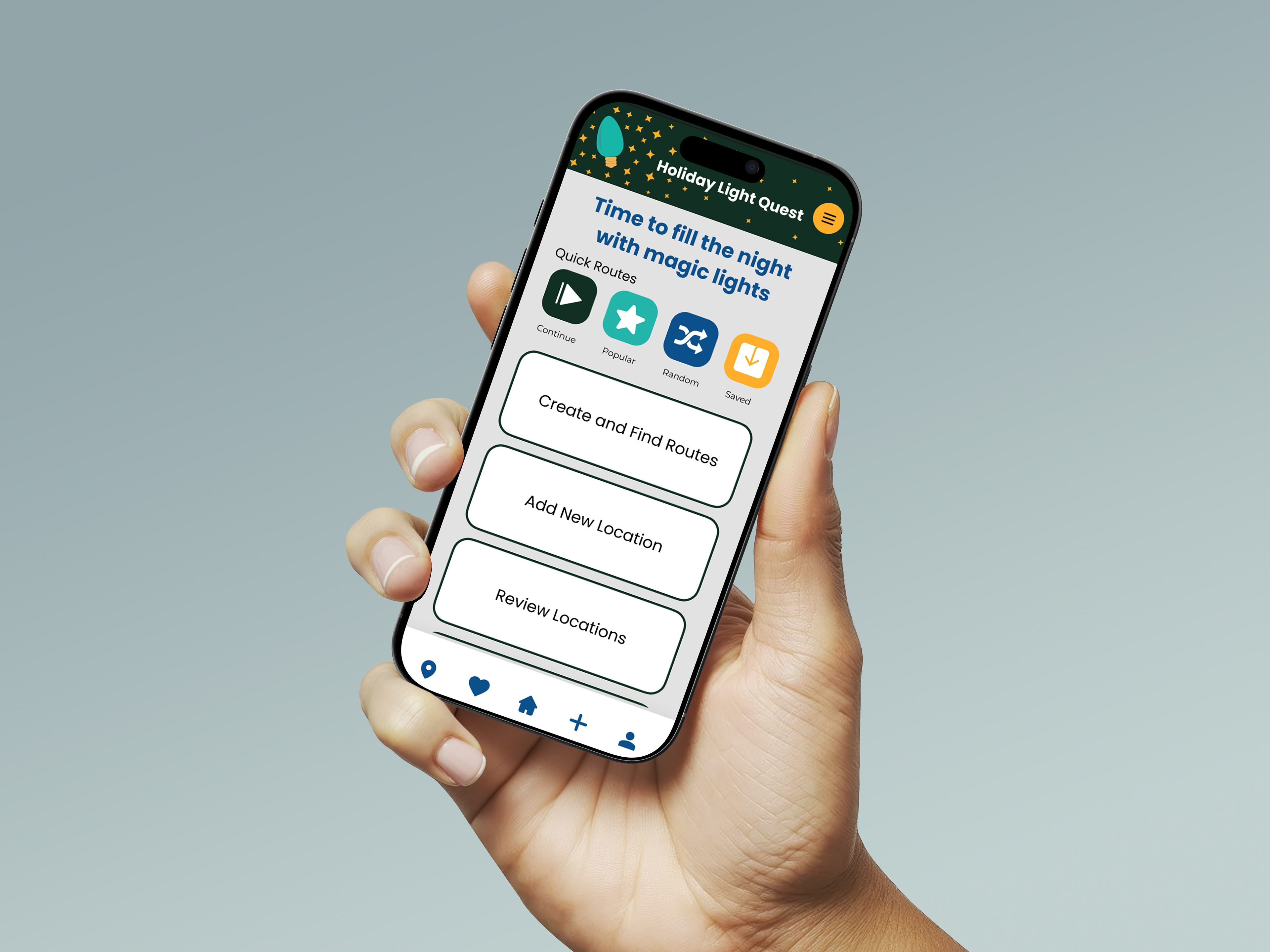
out routes and explore different holiday light displays. There were several phases to this project. I started off with personas and research, and then did a wireframe and sketches for the layout of the app. I built the prototype and then did user testing on the app. After user testing, I was able to use the feedback to make a few improvements to the app. It was a good experience getting to work through the different phases of the prototype development.
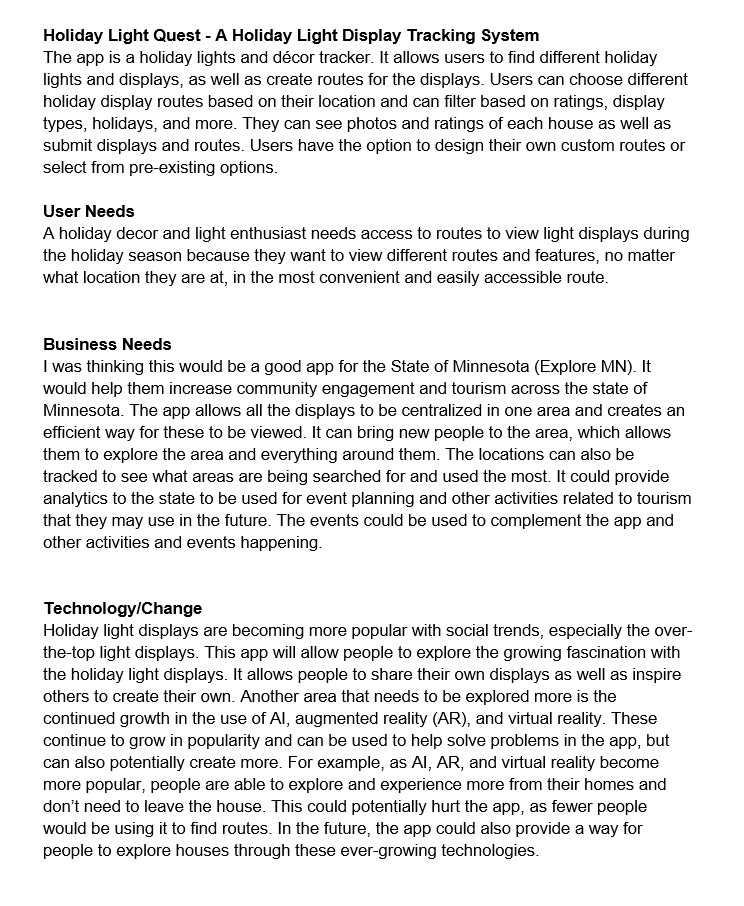
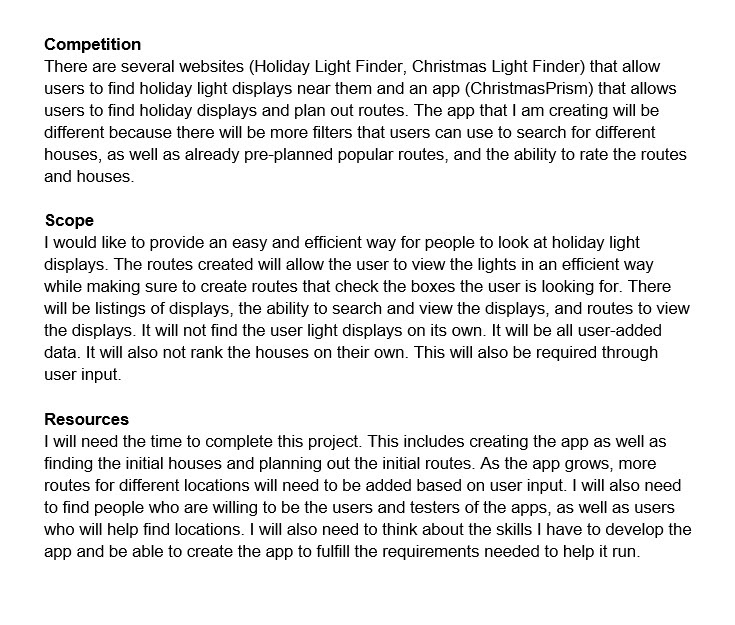
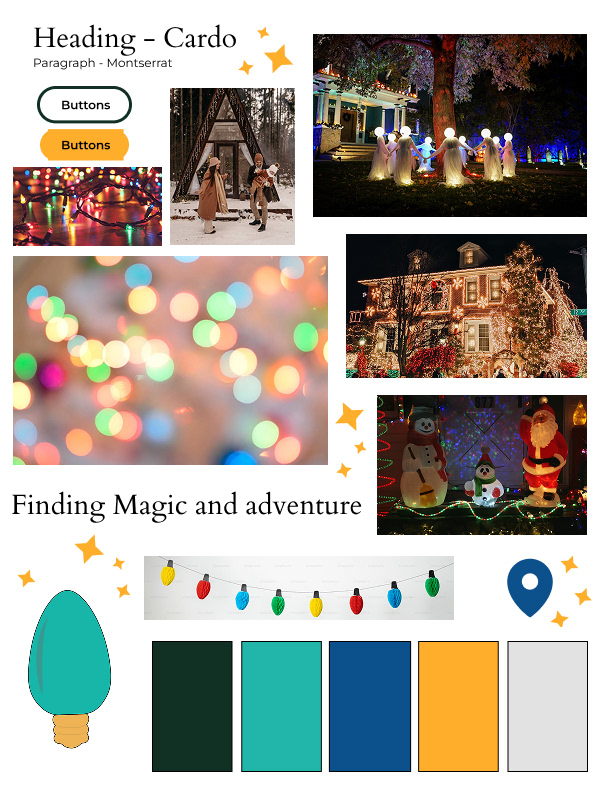
Mood Board - I wanted something that felt magical. I wanted the app to be able to be used for all holidays, so I focused on colors that were not specific to any particular holiday. Instead, I wanted the colors of the app to represent the twinkle and glow the lights create in the night sky. For the logo, I wanted something simple, so I went with a light bulb since that was what the Holiday Light Quest app centers around.
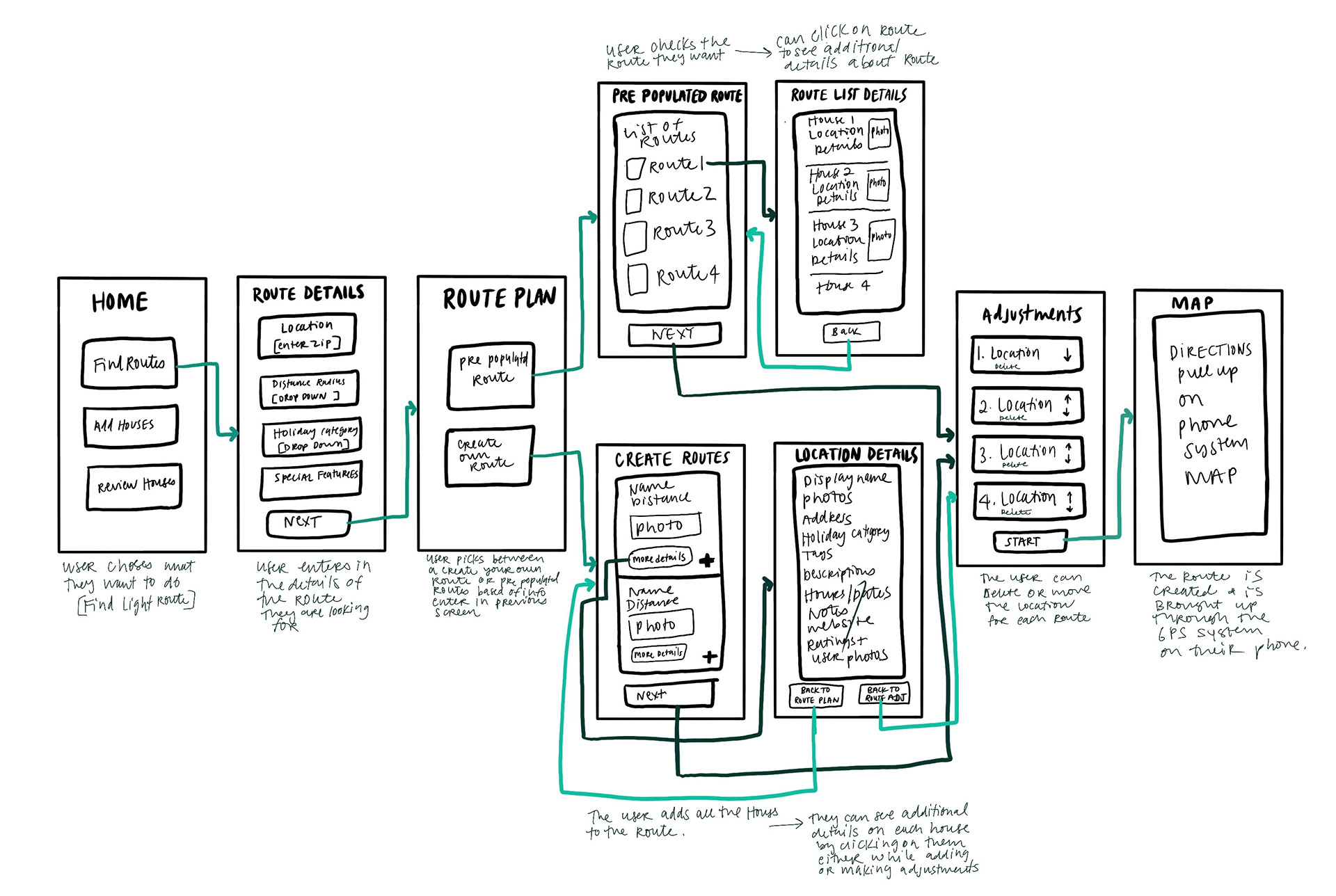
Sitemap - I started off by laying out the frames of the prototype and what each one would generally contain. I then added the arrows to show how each screen would flow from one page to the next. In addition, I added notes about what the user would be doing on the screen.
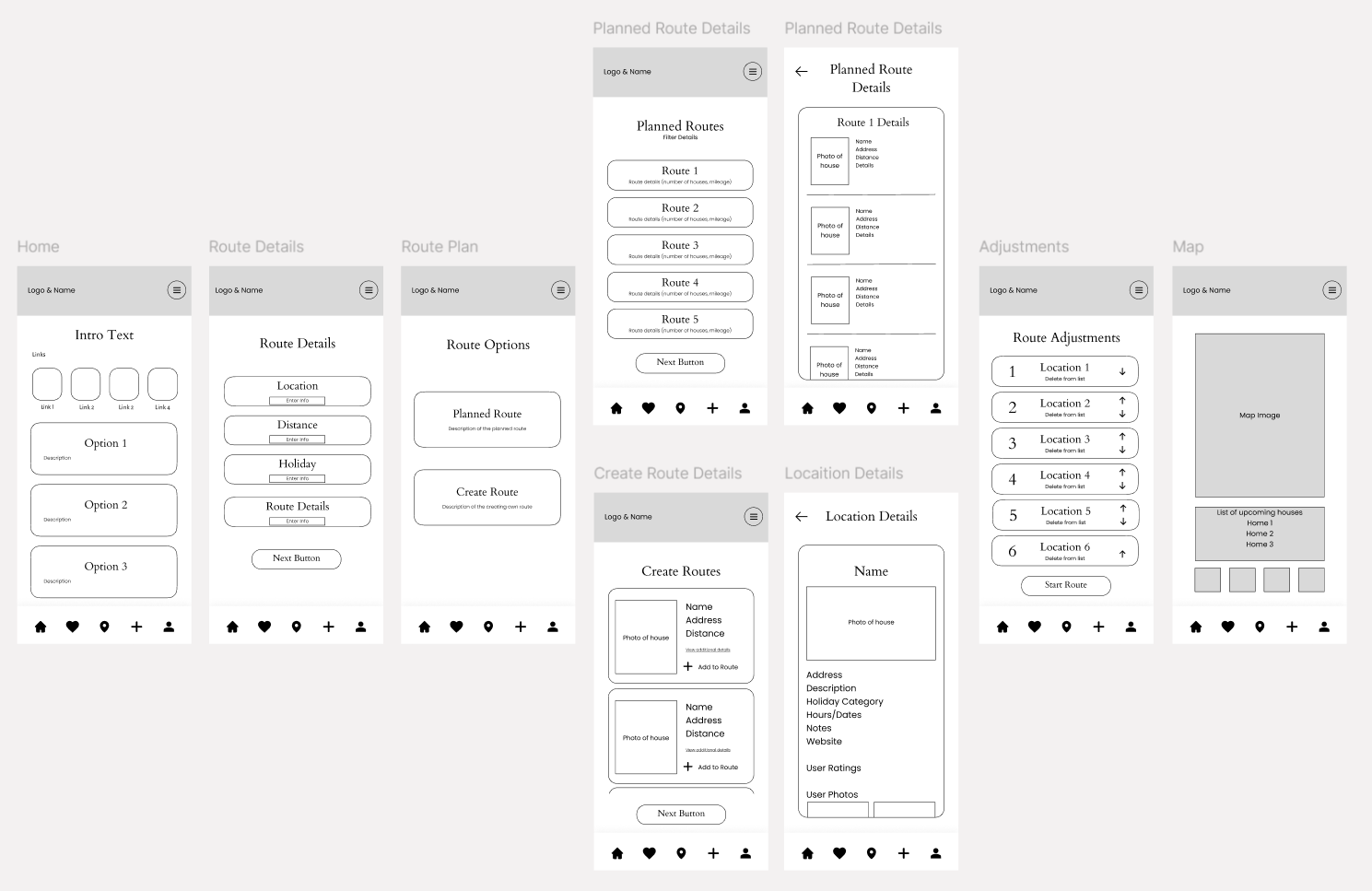
Wireframe - After drawing out the sitemap, I used that to help work on the wireframe. I added additional details to the sitemap so I would have my foundation for what the screens of my prototype would look like.
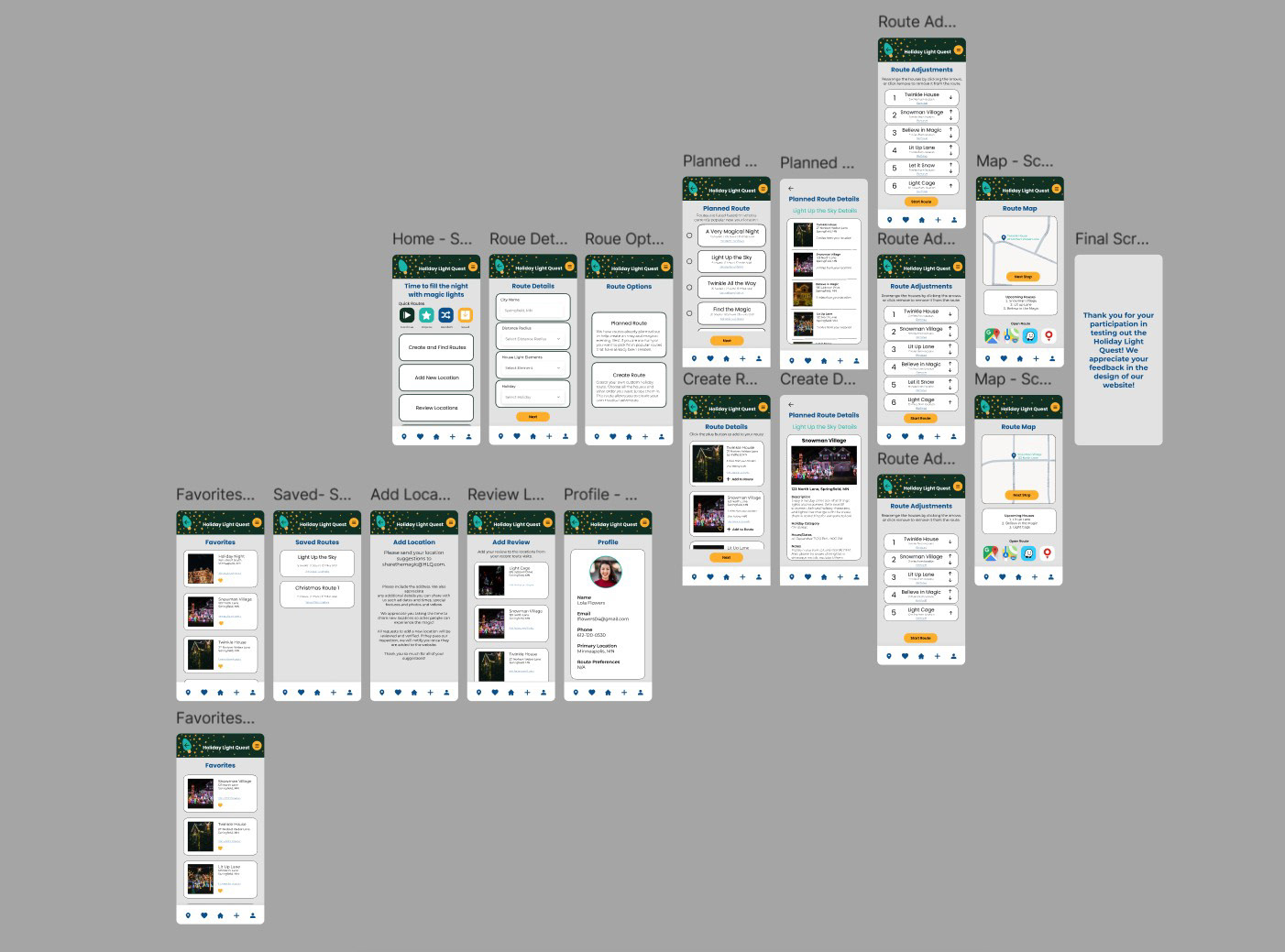
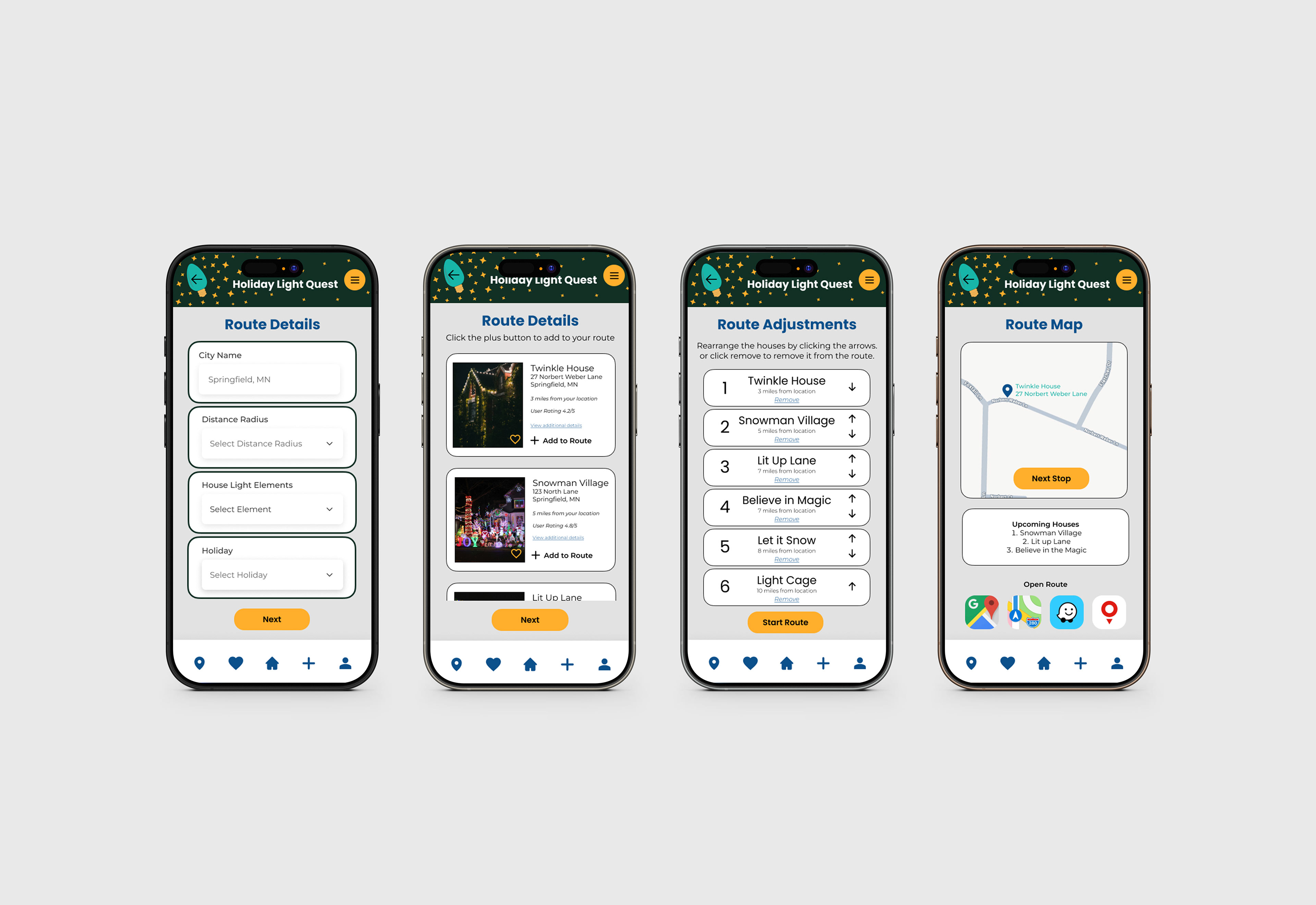
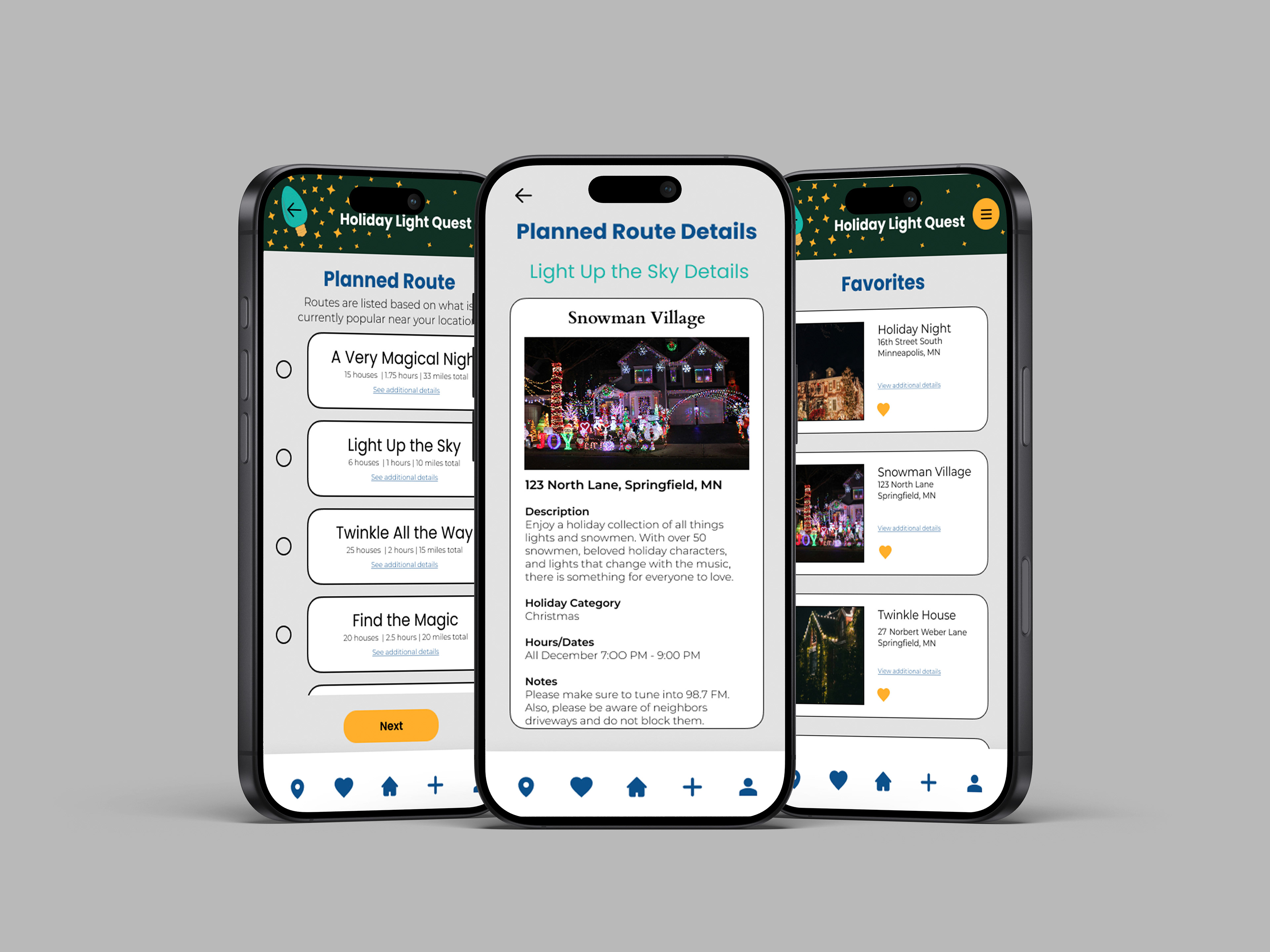
Prototype - I created each screen for the prototype based on what I had laid out in my wireframe. Once I had the final design and prototype created, I had users test the prototype. Based on their feedback, I made a few updates to the text in the app as well as a few updates to the layout. The users were overall happy with the prototype and said they would use this app in the future. You can view the layout in more detail in Figma.
Feel free to try the prototype yourself and let me know any feedback you have by reaching out to me on my contact page.